10 Best HCM Software for UK Enterprises Compared: 2026 Guide

One minute takeaway
- The best HCM software for enterprises in the UK brings together core HR, talent management, payroll, workforce planning, and reporting within a single platform. For large organisations, that means less time spent reconciling data across disconnected systems and lower costs associated with maintaining multiple vendors.
- Enterprise buyers look beyond feature checklists. Governance controls, compliance support, total cost of ownership, and realistic implementation timelines often determine whether a platform delivers value or turns into an expensive project that struggles to gain traction.
- This guide ranks ten enterprise-grade platforms based on consolidation capabilities, governance controls, scalability, and user experience. It also explains how to match an HCM system to your workforce size, operating footprint, and future growth plans.
What does enterprise HCM software need to accomplish once an organisation exceeds a thousand employees and operates across multiple regions? At that point, the challenge moves far beyond employee recordkeeping. Businesses need payroll that works across countries, talent programmes linked directly to compensation decisions, governance controls that stand up to internal and external audits, and a trusted source of workforce data that HR, finance, and leadership can rely on.
For UK-based organisations, there is also the added responsibility of meeting GDPR obligations, supporting hybrid workforces, managing pension administration, and maintaining compliance across both domestic and international operations. Human capital management (HCM) software addresses these challenges by bringing the entire employee lifecycle together within one platform instead of relying on separate systems for recruitment, performance management, payroll, learning, and workforce planning.
The challenge is that enterprise platforms differ widely in how they achieve that goal. Some are built on architecture that dates back decades and often require lengthy, costly deployments. Others are designed around a newer foundation that can support growth without forcing organisations into another major migration a few years later.
This guide compares ten of the strongest HCM software options for enterprise buyers in 2026, highlighting where each platform performs well and where trade-offs may need to be made.
Why selecting the right enterprise HCM platform matters
For a large organisation, an HCM platform supports nearly every people-related decision, from onboarding a new employee to preparing succession plans for senior leadership roles. When the platform fits the business, HR teams spend less time gathering data and more time helping leaders make informed decisions around workforce costs, retention, productivity, and future hiring needs.
A poor fit creates problems that compound over time. Duplicate data entry becomes common. Compliance obligations become harder to manage. Reporting requires manual intervention. Managers avoid using systems they find cumbersome, which leads to lower adoption rates and weaker data quality.
Consolidation remains one of the biggest advantages for enterprise organisations. A unified platform can replace separate systems for HR administration, recruitment, performance management, compensation, payroll, and workforce planning. This reduces integration costs and removes many of the manual processes that consume valuable time.
It also creates a single source of workforce data. A headcount figure presented to the board should match the figure reported by payroll, finance, and HR. For highly regulated organisations, including many operating within the UK financial services, healthcare, education, and public sectors, audit-ready workflows can turn compliance reviews from disruptive projects into routine exercises.
What enterprise buyers should weigh before comparing vendors
Before scheduling demonstrations, organisations should establish the criteria that separate a platform capable of supporting long-term growth from one that may struggle under increasing complexity. The factors below influence the outcome of most enterprise HCM projects.
Suite breadth and true consolidation
One of the defining tests of enterprise HCM software is whether core HR, talent management, payroll, and workforce planning genuinely share a common data model or simply appear unified behind a single interface.
Ask vendors to demonstrate how performance ratings feed directly into compensation reviews, or how a successful candidate moves from offer acceptance into onboarding and payroll without manual intervention. Systems that rely on loosely connected modules often recreate the silos organisations are trying to eliminate.
This is particularly important for UK employers operating internationally, where consistency across multiple regions can affect reporting accuracy, compliance processes, and workforce planning.
Governance and audit readiness
Large organisations operate under constant scrutiny from regulators, auditors, shareholders, and internal governance teams.
Look for role-based permissions, configurable approval workflows, detailed audit trails, and clear records showing who made changes, when those changes occurred, and what was modified. Support for GDPR requirements should also be a priority for organisations handling employee data across the UK and Europe.
Platforms designed for enterprise use generally make these controls a core part of the product rather than adding them later through separate modules or customisation.
Total cost of ownership
The subscription price tells only part of the story at the enterprise level.
Organisations should map costs over a three-to-five-year period, including software licences, implementation services, integrations, premium modules, annual price increases, training requirements, and ongoing administration.
Internal staffing requirements deserve attention as well. A platform that requires a dedicated team to manage configuration, reporting, and updates may end up costing more than a higher-priced alternative that requires fewer resources to maintain.
Implementation and change management
Many HCM projects struggle not because of software limitations, but because organisations underestimate the rollout effort.
Implementation timelines vary considerably. Some modern platforms can be deployed within months, while larger enterprise suites may require a year or more depending on organisational complexity, data migration requirements, and the number of countries involved.
Ask vendors for realistic timelines rather than ideal-case scenarios. Request references from organisations with similar employee counts, industry requirements, and geographic footprints. It is also worth examining the level of change-management support provided throughout the deployment process.
For UK enterprises, where workforce structures often include a mix of office-based staff, remote employees, contractors, and international teams, successful adoption can have just as much impact as the technology itself.
The 10 best HCM software platforms for enterprise in 2026
Each platform below earns its ranking on consolidation depth, governance, scalability, and the experience it delivers to everyday users alongside administrators. Every entry includes documented strengths and honest limitations drawn from verified user reviews.
-
HiBob
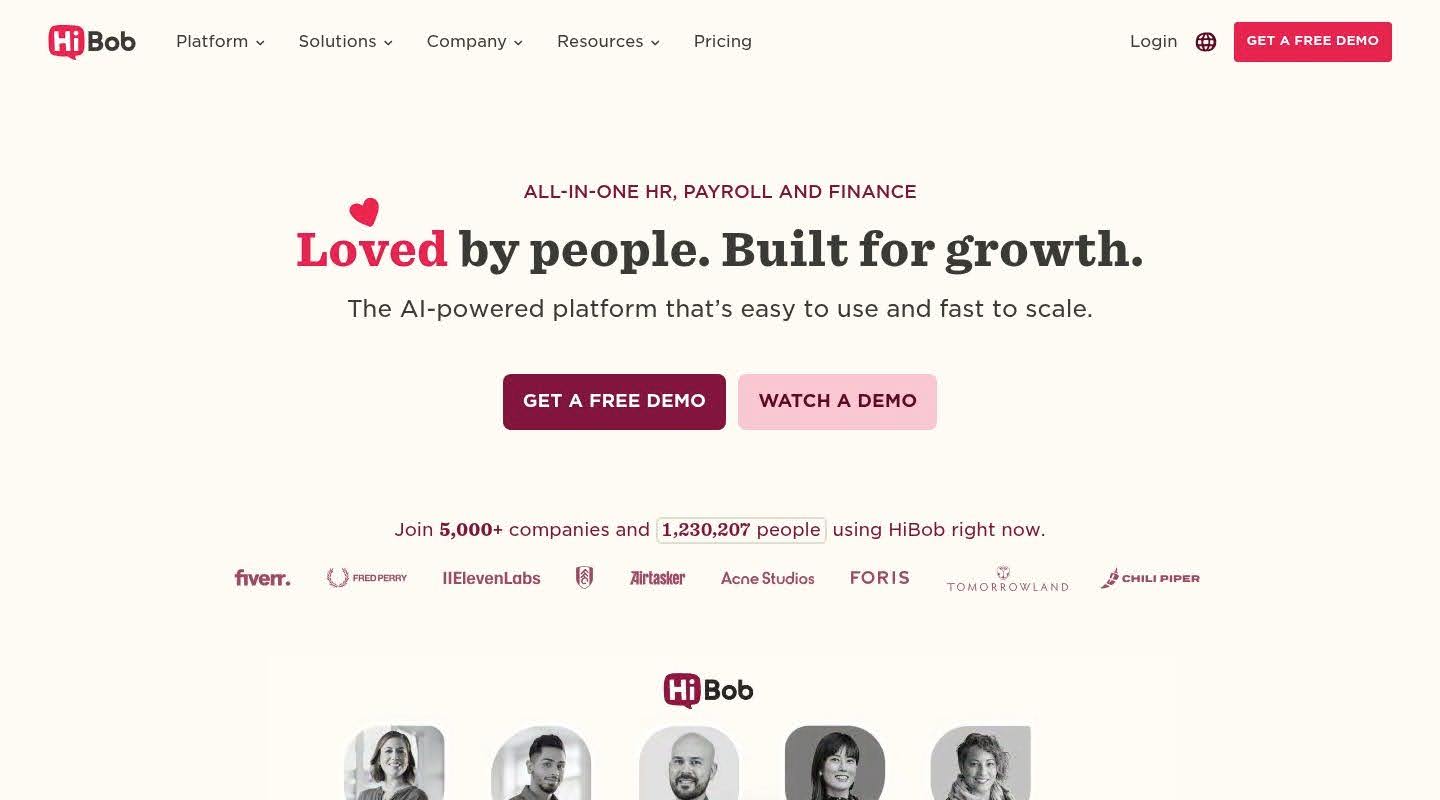
Bob gives enterprise HR teams the breadth of a full HCM suite on a modern core, so large UK organisations can consolidate scattered point tools without inheriting the rollout pain of legacy systems. Built by HiBob, the platform anchors on Bob Core and extends into talent, payroll, and planning suites that share one data model, which is what lets a growing enterprise add capability without re-platforming.
Industry Focus: Bob serves modern, scaling, and multinational organisations across sectors, from technology and media to professional services, with customers including Fiverr, VaynerMedia, and Salesloft. It suits enterprises that want enterprise-grade reach with a system employees and managers adopt for day-to-day work.
What the Software Does: Bob unifies the employee lifecycle on one connected system. Bob Core handles people data, self-service, and joiner-mover-leaver workflows with audit-ready process history; the Talent suite covers hiring, performance, and learning; the Payroll suite runs native UK payroll alongside a global Payroll Hub; and the HR Planning suite adds workforce planning and compensation. Because these suites build on a single core, an enterprise consolidates onto one platform rather than maintaining separate tools that need constant reconciliation. The audit-ready workflows give governance and internal audit a clean record of approvals and changes across every people process.
Key Features: Unified people data and job architecture, role-based self-service, joiner-mover-leaver workflows with audit-ready process history, configurable approvals and policy-based controls, native UK payroll (HMRC compliant, IR-35 support), global Payroll Hub, talent acquisition and performance, workforce planning, and an open marketplace with APIs and SSO.
Pros
- Suites for core HR, talent, payroll, and planning build on one shared core, so enterprises consolidate point tools onto a single platform with one trustworthy people dataset
- Audit-ready process history and configurable, policy-based approval controls give governance and internal audit a clean record across every workflow
- Most organisations go live in weeks rather than the many months a legacy enterprise suite demands, which lowers the change-management burden of a rollout
- Strong daily adoption: HiBob carries a 4.5-star average from over 1,800 G2 reviewers, who praise a modern interface that managers and employees use without heavy training
Cons
- HiBob doesn’t publish pricing, so enterprise buyers have to work through sales to model total cost of ownership
- Native payroll runs in the UK and US; teams in other markets connect existing providers through the Payroll Hub rather than processing pay inside one native engine
-
Workday
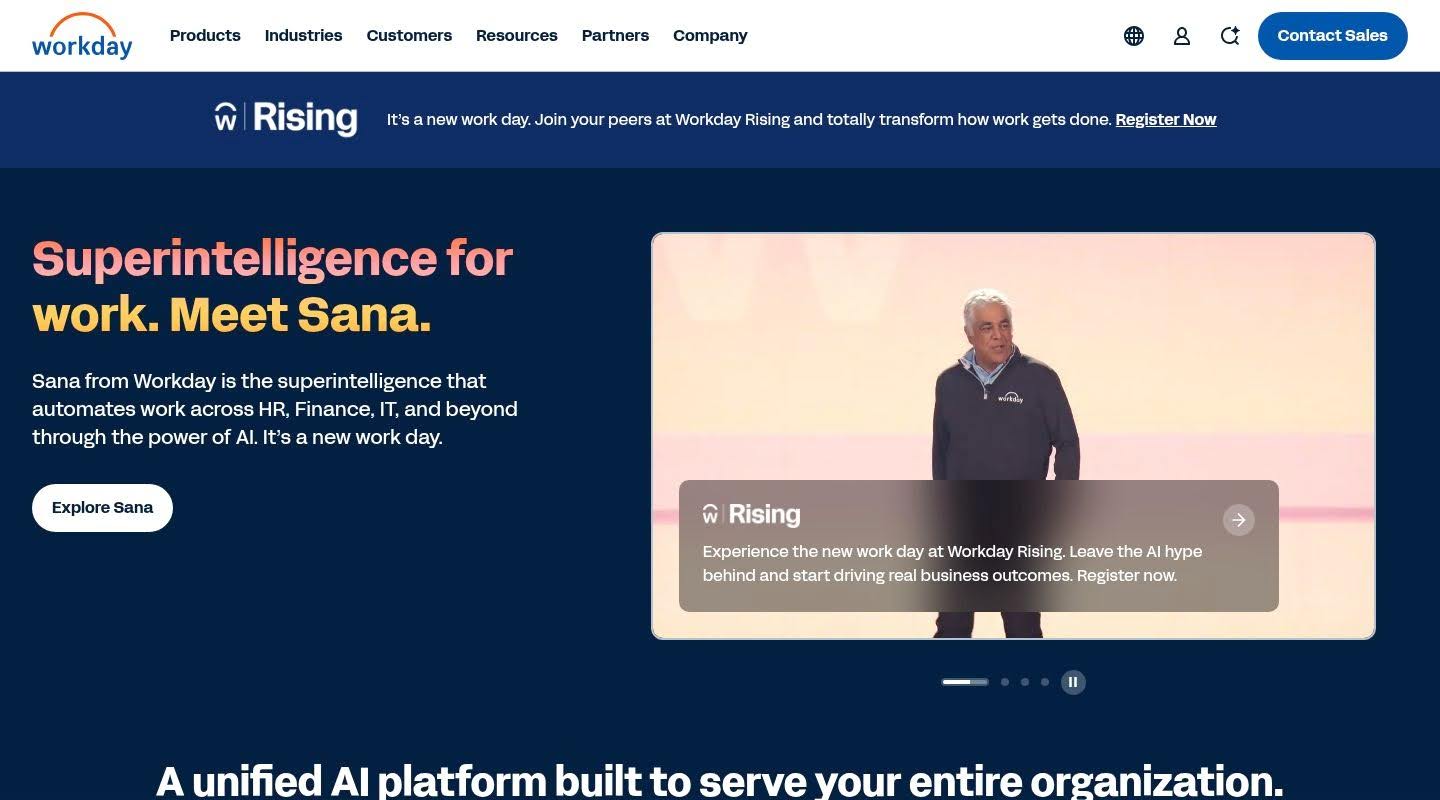
Workday is a cloud-native enterprise HCM platform built on a single data model that ties together HR, payroll, talent, workforce planning, and financials. It serves the largest organisations and is a fixture in analyst rankings for enterprise-scale people analytics, with particular strength where HR and finance data need to inform executive decisions.
Industry Focus: Workday targets large enterprises and multinationals, in most cases those above a thousand employees, that run complex global structures and want HR and financial data on one architecture.
What the Software Does: Workday delivers core HR, payroll, talent management, and advanced people analytics on one model that removes the data inconsistencies common in modular systems. It layers in skills mapping, engagement surveys, and generative AI, with feature updates shipped on a fixed schedule.
Key Features: Global core HR, talent suite from recruiting through succession, people analytics dashboards, skills cloud, engagement surveys, generative AI assistants, and an extensibility framework for custom apps.
Pros
- A single data model connects HR, finance, and operations, which makes Workday strong for the cross-functional analytics large enterprises rely on
- Reviewers who have run several HCM systems often rate it the most capable for integrating almost every HR function into one platform
Cons
- G2 reviewers describe Workday as complex and note it demands considerable knowledge from every user, alongside significant change management to realise its value
- It ranks among the most expensive platforms on the market, and reviewers report implementation is far from an overnight switch, making it impractical below about a thousand employees
-
SAP SuccessFactors
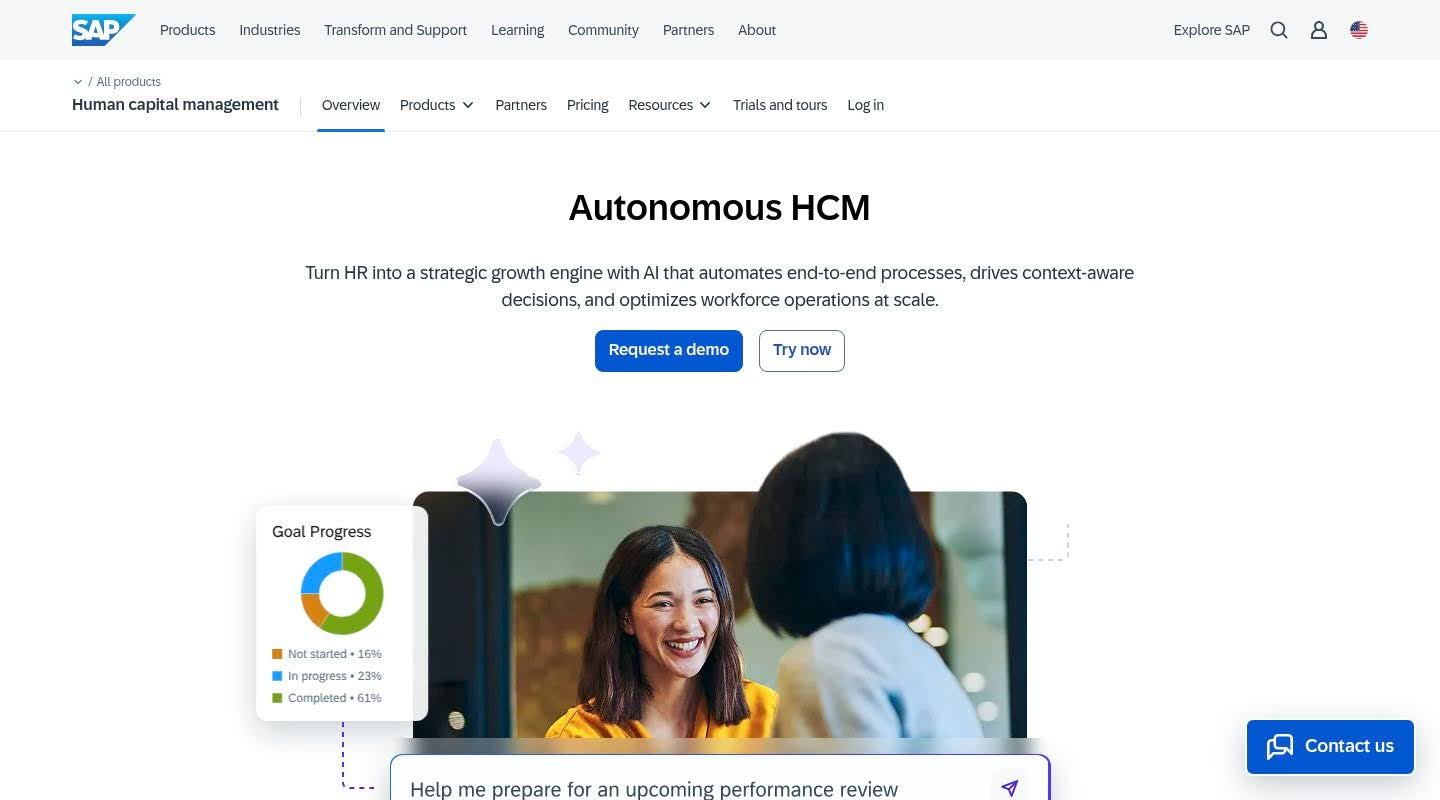 SAP SuccessFactors is an enterprise HCM suite covering core HR, talent, payroll, and analytics, most often chosen by organisations already running SAP across the business. It carries deep functionality for global, multi-entity operations.
Industry Focus: SuccessFactors fits large, SAP-based enterprises with global HR requirements and complex organisational structures spread across many countries.
What the Software Does: The suite manages the full employee lifecycle, from recruiting and onboarding through performance, learning, succession, and compensation, with global payroll and reporting that connect into the wider SAP environment.
Key Features: Core HR (Employee Central), recruiting and onboarding, performance and goals, learning, succession and development, compensation, and global payroll integration.
Pros
- Broad, enterprise-grade functionality across the people lifecycle, with strong fit for multinational organisations that need consistent processes across many entities
- Deep integration into the SAP ecosystem connects HR data with finance and operations for organisations already invested there
Cons
- Buyers and analysts flag the suite as complex and costly to implement, with some users finding parts of the interface dated next to newer cloud-native platforms
- Realising full value tends to require specialist consultants and an extended rollout, which raises total cost of ownership
-
Oracle HCM
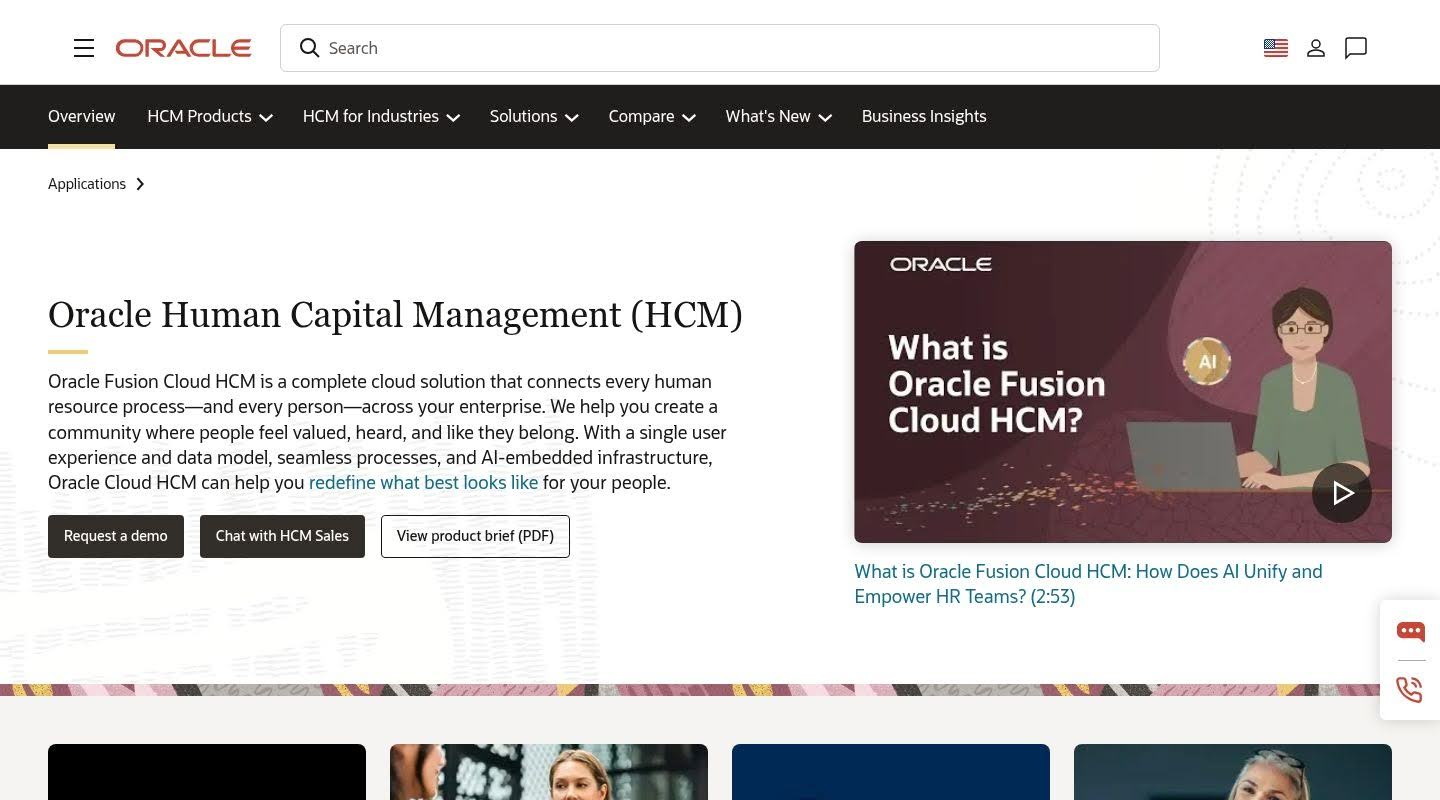 Oracle Fusion Cloud HCM is an enterprise suite that unifies HR processes for large organisations, with particular strength for companies already running Oracle ERP. It connects people data to finance, supply chain, and customer systems on one cloud platform.
Industry Focus: Oracle HCM is built for large enterprises, often with a stated user minimum, that run Oracle systems and need scalable global HR and talent management.
What the Software Does: Oracle HCM covers workforce planning, talent management, payroll, and analytics, with AI-embedded assistants that support lifecycle management, performance, and compensation across a global workforce.
Key Features: Global core HR, talent management, payroll, workforce planning, AI assistants, and tight integration across the Oracle Fusion Cloud application suite.
Pros
- Connects HR data to ERP, supply chain, and customer experience on one cloud platform, which suits very large Oracle-based enterprises
- AI-embedded tools across the lifecycle help large organisations manage performance and compensation at scale
Cons
- Reviewers report complex management and mixed implementation experiences, with some facing delays, cost concerns, and a need for third-party help
- The platform carries enterprise-scale cost and a high user minimum that put it out of reach for organisations below the largest tier, and some users find aspects of it dated
-
UKG Pro
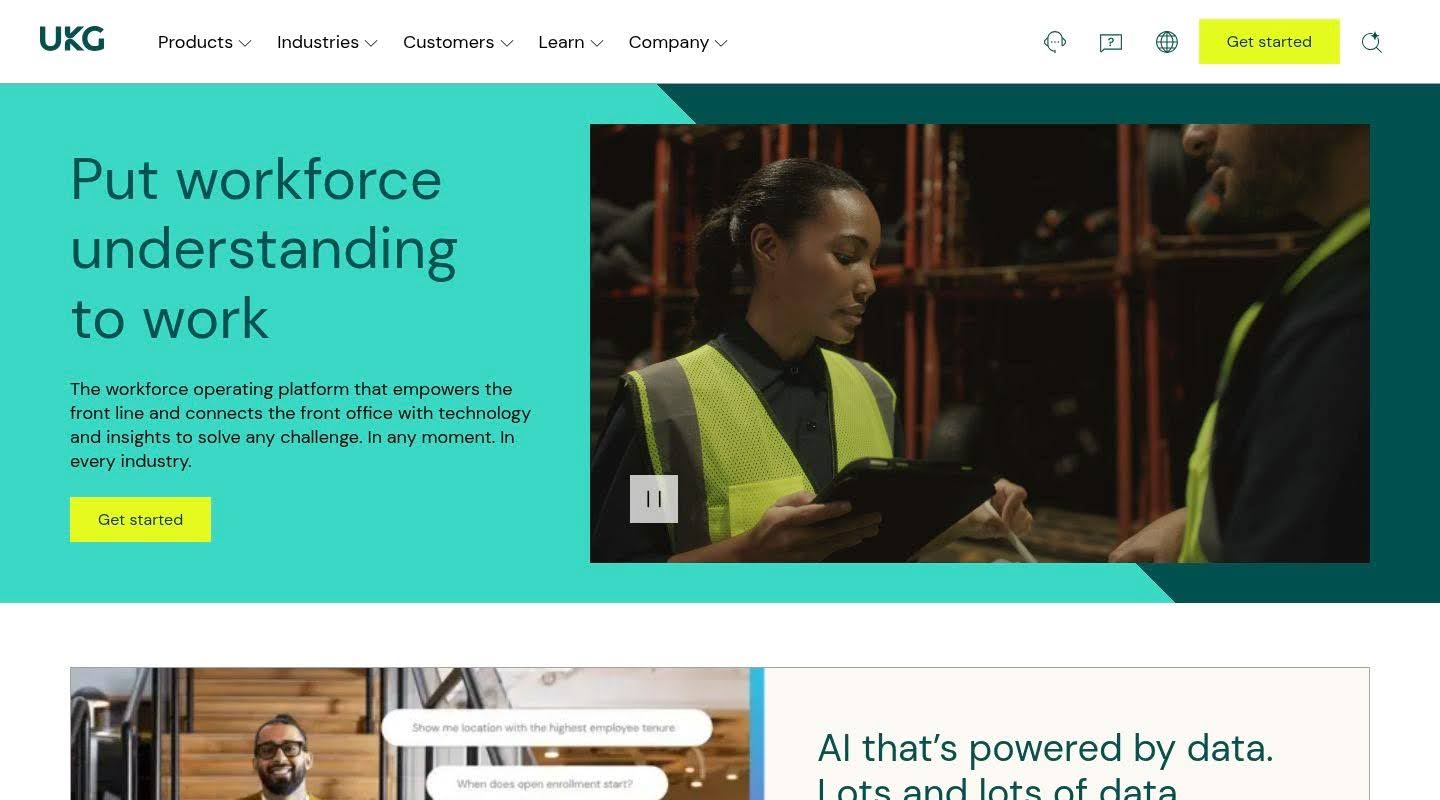
UKG Pro is an enterprise HCM platform from Ultimate Kronos Group, built talent-first rather than payroll-first, with deep roots in workforce management for shift-based and hourly teams. It pairs HR and talent with scheduling and time tracking.
Industry Focus: UKG Pro serves mid-enterprise organisations, in the range of 350 to 10,000 employees, across healthcare, financial services, manufacturing, retail, and hospitality, with particular value for complex hourly workforces.
What the Software Does: UKG Pro provides payroll, full talent management, engagement surveys with sentiment analysis, and workforce management with scheduling and time tracking, supported by a peer community that users prize.
Key Features: Payroll and tax compliance, talent suite (recruiting through succession), engagement surveys, workforce management, people analytics, growing global payroll, and the UKG Community network.
Pros
- Reviewers who have worked across several enterprise platforms often rate UKG Pro best in class for talent depth and its partnership approach
- The UKG Community provides peer learning and a support ecosystem that goes beyond a standard vendor relationship
Cons
- Some reviewers describe the platform as too complicated, with limited user adoption when employees and managers are expected to be self-sufficient
- Reviewers note customer support response times have lengthened, and the Cognos-based reporting is hard for non-technical HR staff to use without training
-
ADP Workforce Now
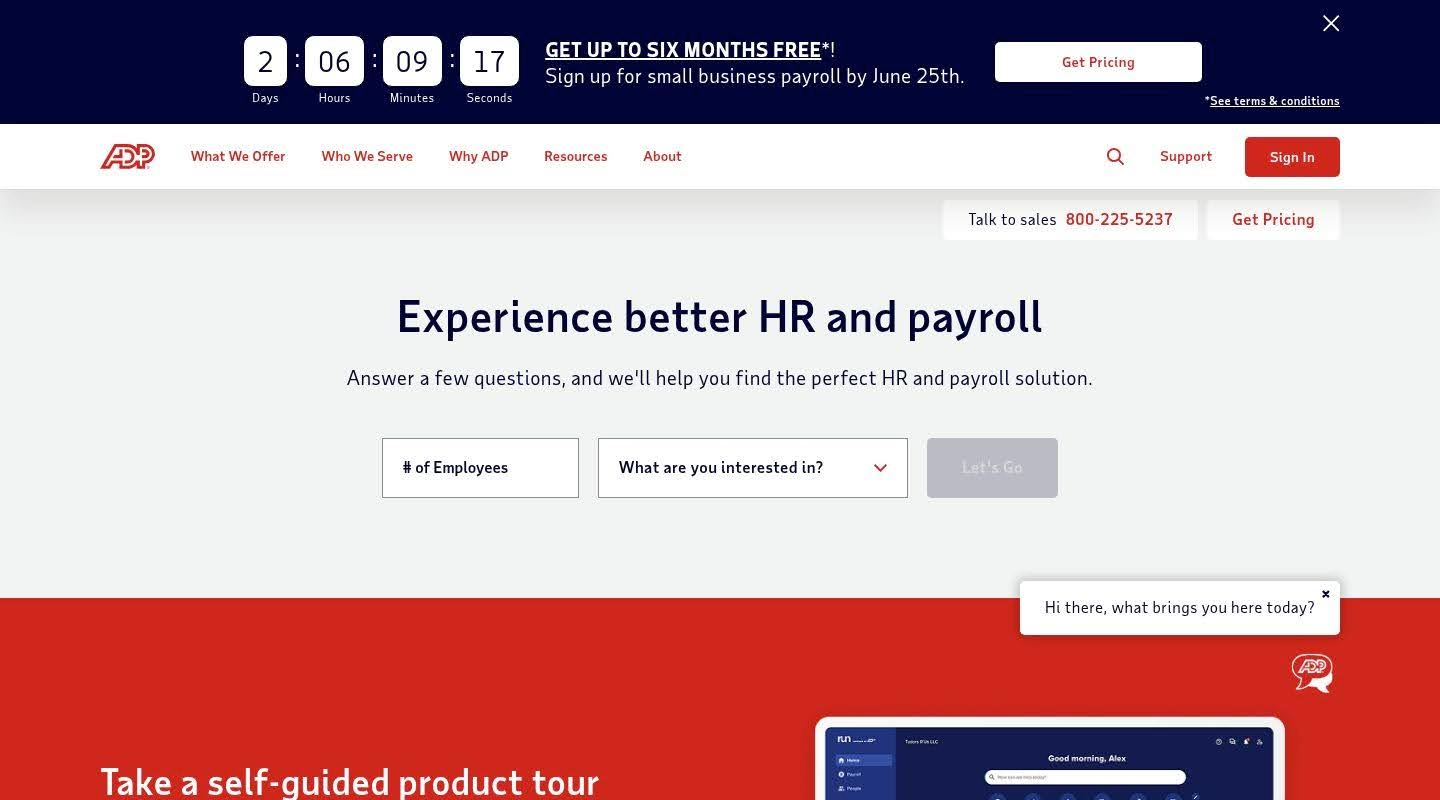
ADP Workforce Now is a cloud HCM platform from ADP, built on decades of payroll experience and one of the largest workforce datasets in the market. It brings payroll, HR, benefits, time, and talent into one environment with deep compliance expertise.
Industry Focus: ADP Workforce Now serves mid-market and larger organisations across most industries, with particular strength for complex payroll, multi-jurisdiction operations, and nuanced compliance scenarios.
What the Software Does: Workforce Now handles payroll with anomaly detection, benefits administration, time and attendance, and a talent suite spanning recruiting, performance, and learning, backed by a large benchmarking dataset and an extensive integration marketplace.
Key Features: Automated payroll, tax and compliance tools, benefits administration, time and attendance, talent management, compensation benchmarking, and a marketplace of pre-built integrations.
Pros
- Deep payroll and compliance expertise backed by a very large benchmarking dataset, which supports multi-jurisdiction operations and smarter compensation decisions
- A broad integration marketplace makes it straightforward to connect Workforce Now to existing finance and benefits systems
Cons
- G2 reviewers often describe the interface as dated and hard to use, citing clunky navigation and an unintuitive report menu
- Reviewers flag inconsistent customer support and heavy upselling, with some modules such as performance management described as clunky next to the core payroll experience
-
Dayforce
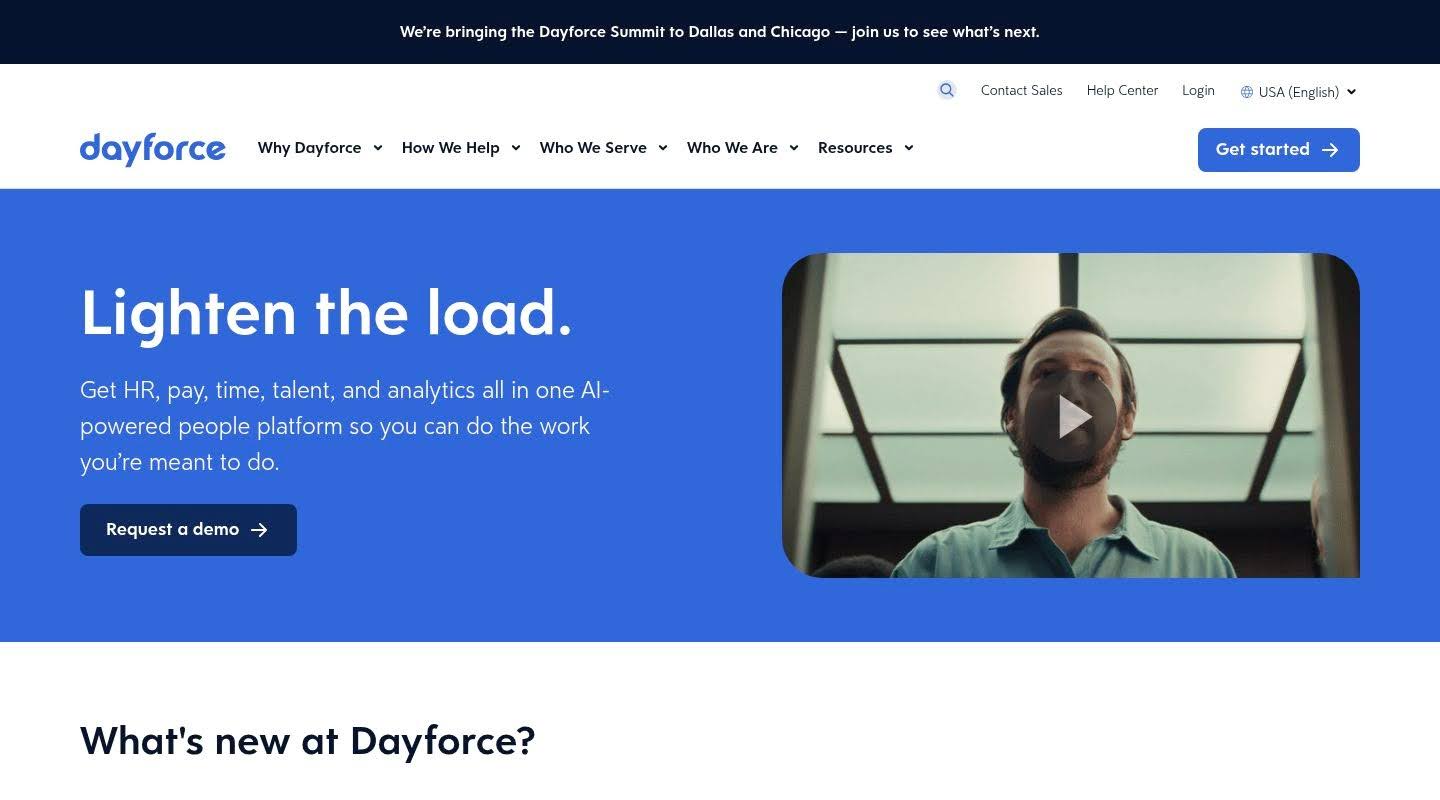 Dayforce is an enterprise HCM platform built on a single-database design where every module shares one real-time data model. Its continuous payroll engine recalculates pay as data changes through the day rather than running as a periodic batch.
Industry Focus: Dayforce serves mid-enterprise organisations in the 350 to 10,000 employee range and is strong in shift-heavy sectors such as healthcare, retail, manufacturing, and hospitality, with native global payroll across many countries.
What the Software Does: Dayforce provides continuous payroll calculation, integrated time and attendance, workforce scheduling with labour forecasting, full talent management, and on-demand pay through Dayforce Wallet.
Key Features: Continuous payroll engine, integrated time and attendance, workforce scheduling, on-demand pay, talent suite, predictive analytics, and native global payroll.
Pros
- The single-database continuous engine removes the disconnect between time, HR, and payroll data, which cuts errors for enterprises with complex pay rules
- Native global payroll across many countries makes it a strong fit for multinationals seeking one cross-border system
Cons
- G2 reviewers flag implementation as a real risk, with some organisations reporting problems years after go-live tied to rollout quality
- Reviewers note a high cost, complexity for end users, and that custom reporting requires SQL knowledge, which limits self-service analytics
-
Paycor
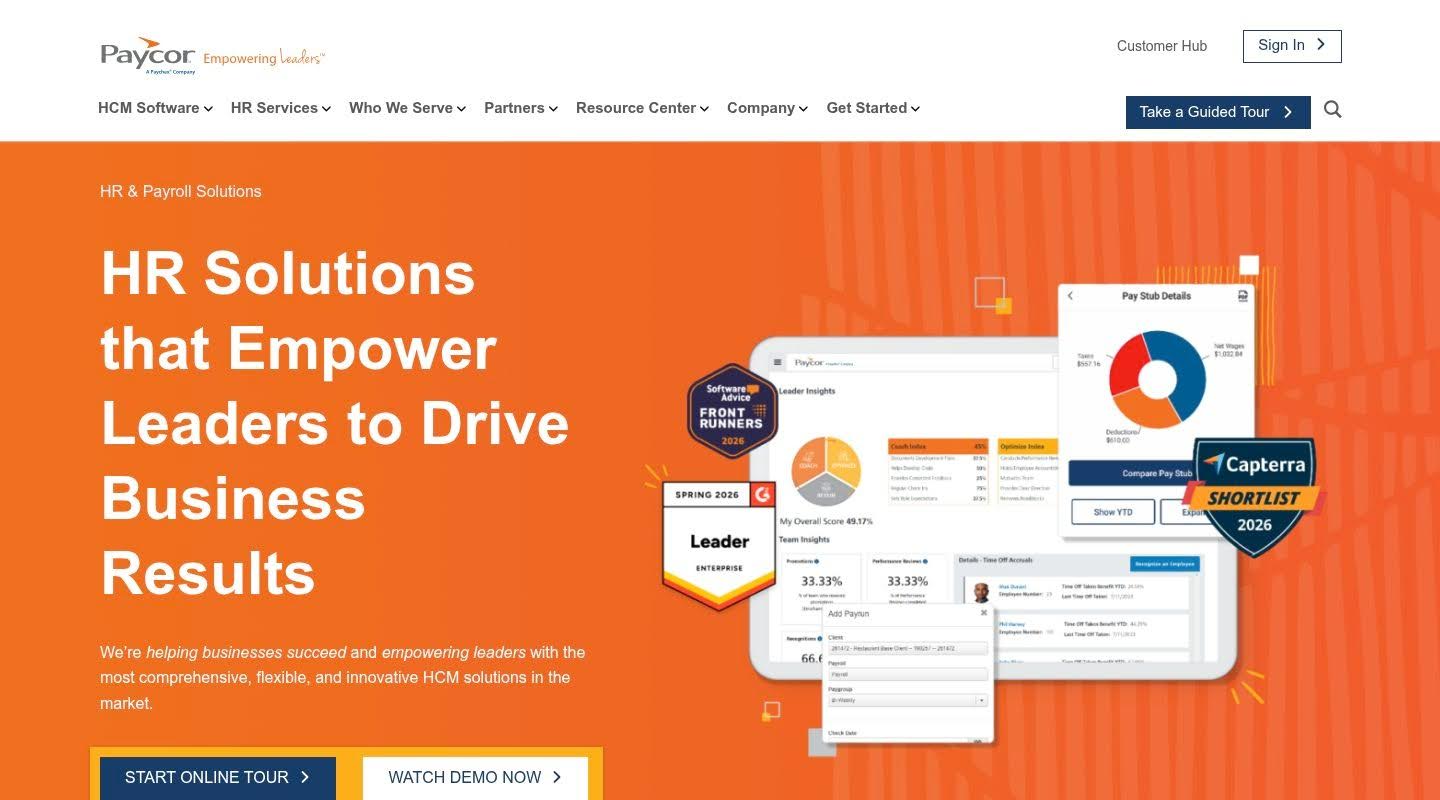
Paycor delivers unified HCM aimed at organisations that want talent and payroll in one place without enterprise-only complexity. It centres on payroll, talent management, and workforce analytics for small and mid-sized employers.
Industry Focus: Paycor serves small and mid-sized organisations in the 10 to 1,000 employee range, across healthcare, manufacturing, retail, and nonprofits, which puts it at the lower edge of the enterprise tier.
What the Software Does: Paycor consolidates payroll and tax filing, recruiting, performance management, compensation planning, and learning into one system, with leadership-insight tools that flag coaching and retention risks.
Key Features: Automated payroll and tax filing, applicant tracking, onboarding, performance management, compensation planning, learning, time and attendance, and workforce analytics.
Pros
- Reviewers value bringing HR and payroll into a single place with a workable interface, and built-in analytics help managers spot retention risk early
- Dedicated implementation support helps mid-sized organisations get running without a large internal project team
Cons
- Reviewers cite inconsistent customer support, with long response times, frequent rep changes, and difficulty getting clear answers
- Users report feature gaps and a dated, sometimes clunky interface, and note the platform suits organisations under 1,000 employees rather than full enterprise scale
-
Rippling
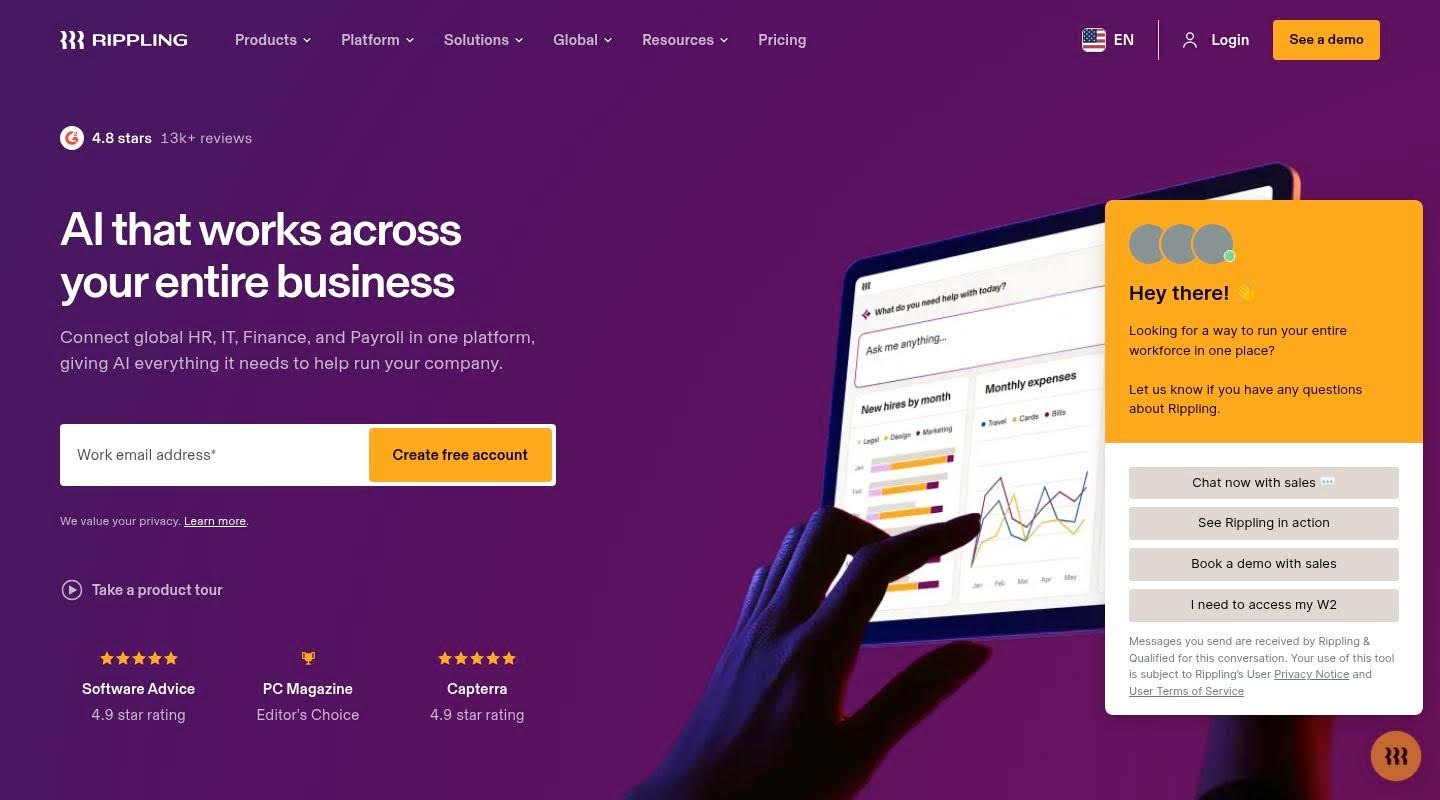
Rippling unifies HR, IT, and finance on one platform, automating the full setup of an employee from payroll and benefits to device and app provisioning. It is known for a clean interface and broad automation across departments.
Industry Focus: Rippling serves small and mid-market organisations in the 2 to 2,000 employee range, with strong appeal among tech-forward and distributed teams that need HR and IT to move together.
What the Software Does: Rippling automates the employee lifecycle while provisioning IT access and devices, runs global payroll across many countries, and connects benefits, time, performance, and spend management in one system.
Key Features: Core HRIS with workflow automation, global payroll, benefits administration, time and attendance, IT device and app provisioning, performance management, and spend management.
Pros
- The HR, IT, and finance unification automates employee setup in a way most HCM vendors can’t match, removing the IT handoff that slows onboarding
- Reviewers praise a clean, intuitive interface alongside genuine feature depth
Cons
- HR functionality can feel secondary to the platform’s IT and provisioning roots, which matters for enterprises that lead with people strategy rather than device management
- Reviewers report a steep learning curve given the breadth of features, opaque modular pricing, and support delays on complex issues
-
BambooHR
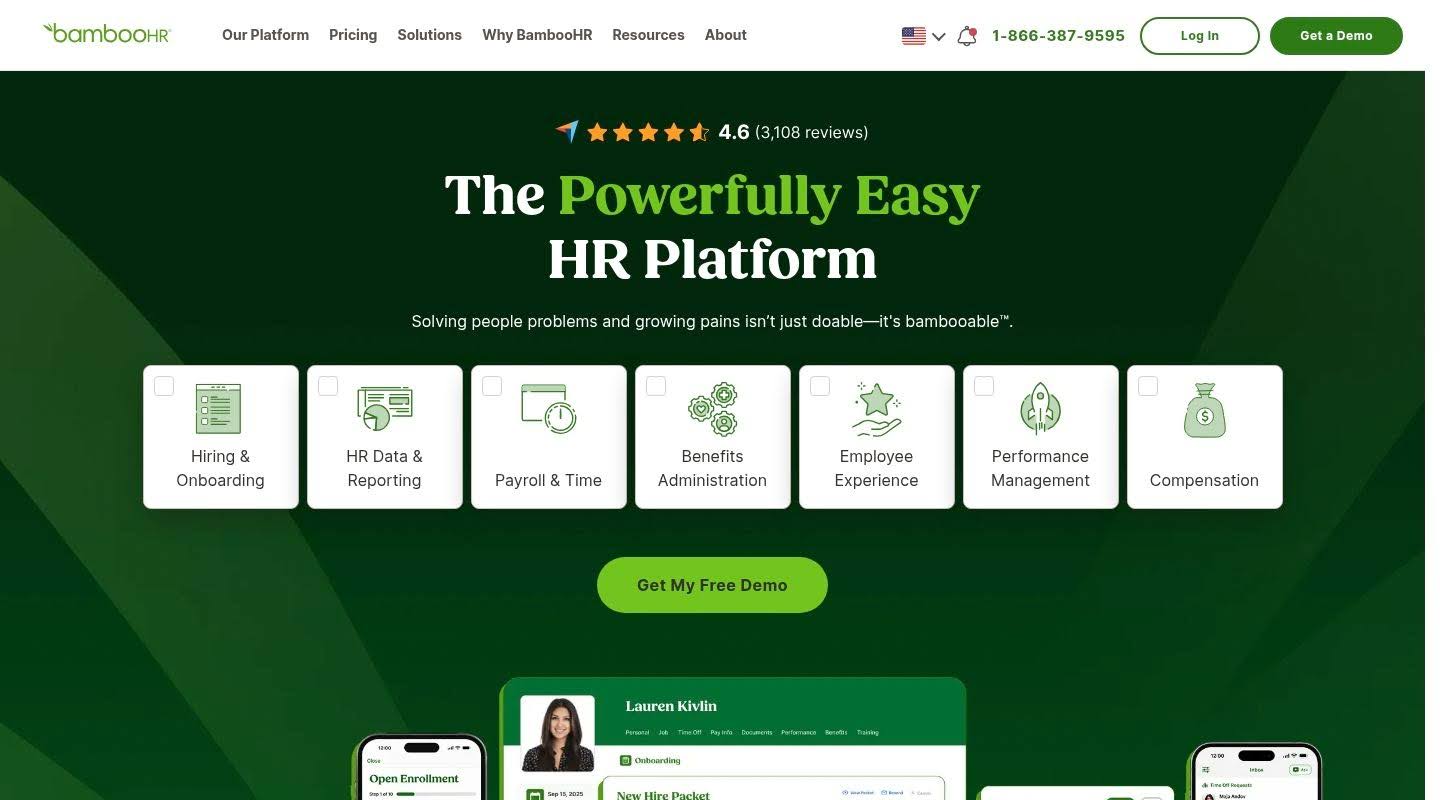
BambooHR is a cloud HR platform built for usability, trusted by tens of thousands of small and mid-sized organisations. It wins on ease of use and fast deployment rather than enterprise depth or global reach.
Industry Focus: BambooHR serves small and mid-sized businesses in the 25 to 500 employee range, across most sectors, and is a common choice for organisations without large HR or IT teams.
What the Software Does: BambooHR provides a centralised employee database, applicant tracking, onboarding, US payroll as an add-on, performance management, time tracking, and engagement surveys, with a clean interface that drives high adoption.
Key Features: Employee database with self-service, applicant tracking, onboarding and offboarding, US payroll add-on, performance management, time and attendance, engagement surveys, and compensation tools.
Pros
- Reviewers rate BambooHR among the easiest HR platforms to use, with a clean interface that reduces training time and drives strong adoption
- Fast implementation and straightforward onboarding workflows lower the risk of switching for smaller organisations
Cons
- Reviewers who scale past 500 employees report the platform becomes limiting, with rigid reporting and customisation that struggle with complex enterprise workflows
- Payroll is a US-only add-on with limited support for complex pay rules, which rules it out for enterprises with multi-country payroll needs
Comparison of the best enterprise HCM software
Use this table as a starting point rather than a verdict, since the right enterprise HCM platform depends on your headcount, geography, and growth plans.
| Platform | Best for | Typical scale | Key strength | Notable limitation
|
|---|---|---|---|---|
| HiBob (Bob) | Modern, scaling, and multinational enterprises | Mid-market to enterprise | Full-suite consolidation on a modern core | Pricing not public; native payroll UK and US |
| Workday | Largest global enterprises | 1,000+ | Single data model across HR and finance | High cost; complex, lengthy rollout |
| SAP SuccessFactors | SAP-based global enterprises | Large enterprise | Depth across the lifecycle | Complex, costly, parts feel dated |
| Oracle HCM | Oracle-based large enterprises | Largest tier | HR data tied to ERP | High minimum; complex implementation |
| UKG Pro | Shift and hourly workforces | 350 to 10,000 | Talent-first depth | Complexity; support response times |
| ADP Workforce Now | Complex multi-jurisdiction payroll | Mid-market to large | Payroll and compliance expertise | Dated UI; upsell-heavy, support gaps |
| Dayforce | Multinational shift workforces | 350 to 10,000 | Continuous payroll engine | Implementation risk; SQL for reporting |
| Paycor | Lower-end enterprise and mid-market | 10 to 1,000 | Talent and payroll unified | Inconsistent support; feature gaps |
| Rippling | HR plus IT and finance automation | 2 to 2,000 | Cross-department automation | HR secondary to IT; steep learning curve |
| BambooHR | Smaller organisations prioritising ease | 25 to 500 | Ease of use and fast setup | Limited scalability; payroll add-on |
How to choose the best enterprise HCM software step by step
Selecting an enterprise HCM platform ranks among the most consequential technology decisions an HR leader makes. These steps keep the evaluation grounded.
Step 1: Define your current state and three-year goals
Document your top operational pain points before opening a single sales deck. Map where headcount, geography, and complexity sit today and where they land in three years. A platform that fits 1,200 employees in one country may strain at 4,000 across five.
Step 2: Test consolidation depth, not feature lists
Ask each vendor to demonstrate how data moves between modules with your own use cases, not a scripted overview. Watch a performance rating flow into a compensation cycle and a new hire move from offer to payroll. Modules that share one data model deliver the consolidation that justifies the move.
Step 3: Pressure-test governance and audit readiness
Require a walkthrough of role-based access, approval routing, and the change history an auditor would request. For UK enterprises, confirm GDPR controls and payroll compliance, including HMRC and IR-35 handling where relevant.
Step 4: Model total cost of ownership over three to five years
Add licence fees, implementation, add-on modules, annual increases, and the internal headcount needed to run the platform. The cheapest licence can become the most expensive system once administration is counted.
Step 5: Plan the implementation and change management
Ask for a realistic timeline and named change-management support, then call references at your scale and ask in detail about rollout and adoption. A modern core that goes live in weeks carries far less organisational risk than a multi-year legacy migration.
Which HCM software delivers the best enterprise value in 2026
The strongest enterprise HCM platform is the one that consolidates your people operations onto a system that scales with your headcount and survives an audit, without burying the organisation in rollout cost. Workday, Oracle, and SAP SuccessFactors bring depth for the very largest global enterprises, though that depth arrives with high cost and long implementations. ADP and Dayforce reward organisations with complex payroll, while Paycor, Rippling, and BambooHR each fit a narrower slice of the enterprise range.
Bob earns the top spot because it delivers full-suite HCM consolidation, core HR, talent, payroll, and planning, on a modern core, paired with audit-ready governance that holds up under scrutiny. For UK enterprises that want to retire scattered point tools without inheriting legacy rollout pain, that combination of breadth, governance, and a system people adopt is what separates a platform that pays back from one that stalls.
Frequently asked questions
What is the difference between HCM software and an HRIS?
An HRIS focuses on storing employee data and automating core admin such as payroll and time tracking. HCM software covers that and adds the strategic layer: talent acquisition, performance, learning, succession, compensation, and workforce planning on one platform. For enterprises, the distinction matters because HCM ties those processes to one dataset. Bob, for example, builds talent, payroll, and planning on top of its core so the system develops the workforce rather than only recording it.
How does enterprise HCM software help consolidate multiple HR systems?
Enterprise HCM consolidation replaces separate tools for core HR, recruiting, performance, pay, and planning with one platform that shares a single data model. That removes duplicate data entry, cuts integration spend, and produces one headcount figure that finance and HR both trust. Platforms built on a modern core, such as Bob, let an enterprise add suites without re-platforming, so consolidation happens without a disruptive system migration each time needs grow.
Why do audit trails matter in enterprise HCM platforms?
Large organisations face financial controls, data privacy regimes such as GDPR, and internal audit, all of which require proof of who changed what and when. Audit-ready workflows record every approval and data change across people processes, which turns a compliance review into a routine export rather than a manual scramble. Strong governance also depends on role-based access and configurable approval routing, so sensitive actions follow a controlled, reviewable path.
How should an enterprise calculate the total cost of ownership for HCM software?
Look past the licence fee and model three to five years of cost: subscription, implementation, add-on modules, annual price increases, and the internal headcount needed to administer the platform. A low licence price paired with a multi-year rollout and a dedicated admin team can cost more than a higher-priced system that runs lean and deploys in weeks. Implementation length is the variable enterprises most often underestimate.
What does change management involve when rolling out enterprise HCM software?
Change management covers the planning, communication, training, and adoption work that turns a new platform into a system people use. Enterprise rollouts range from a few weeks on a modern core to well over a year on legacy suites, and the longer the timeline, the heavier the change-management load. Named vendor support, manager enablement, and references from organisations of similar scale all reduce the risk that a capable platform stalls on adoption.